eSIM for La Poste Mobile Compatible Devices and Limits
11/12/2026
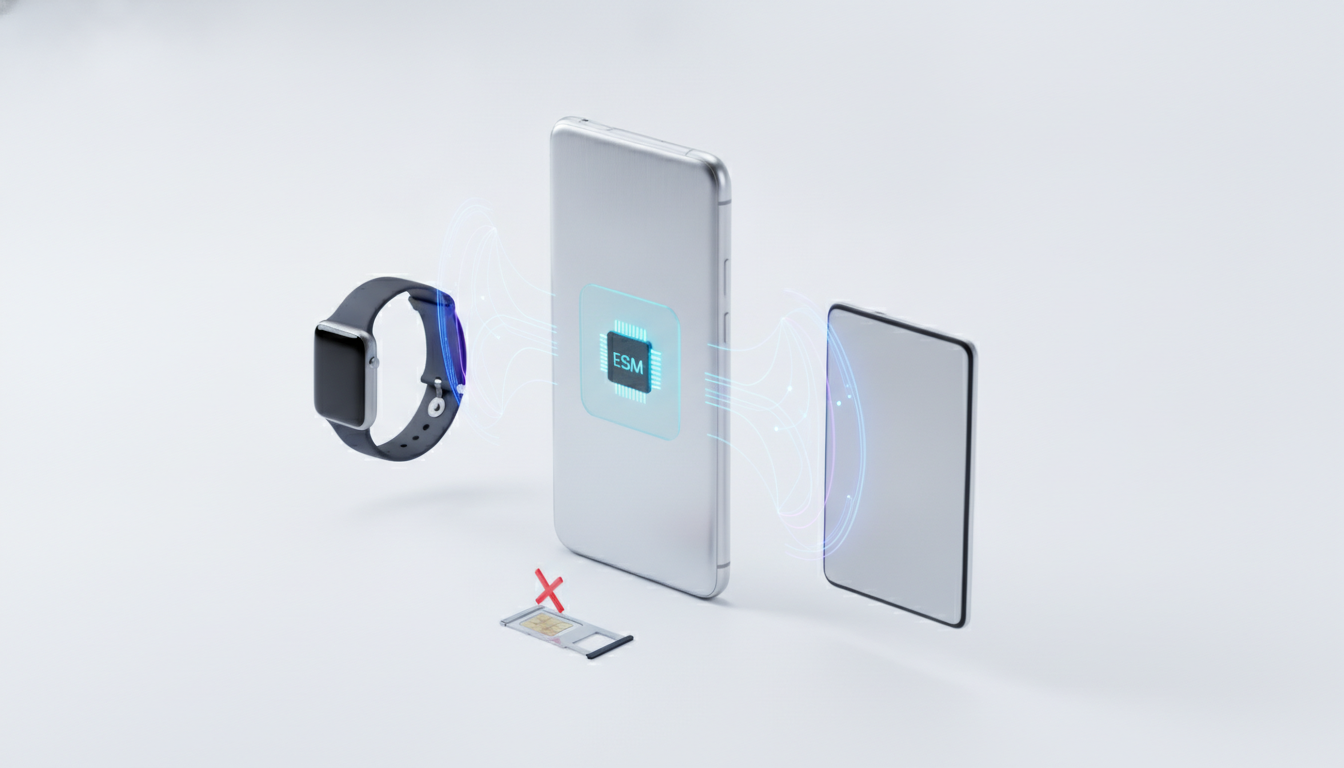
The key limitation with a La Poste Mobile eSIM is not simply whether your phone has an eSIM menu: La Poste Mobile must also support eSIM issuance for your plan and provide a valid activation profile. As of the latest public information, the operator has announced the arrival of eSIM but has not published a complete, definitive compatibility list.
Check both your device and your customer account before deleting your physical SIM.
What La Poste Mobile eSIM support currently means
La Poste Mobile has announced that eSIM would be added to its mobile offering, but the public announcement did not establish a universal launch date, a complete list of eligible plans, or a full list of compatible phones. That matters if you are trying to switch immediately: a phone can technically support eSIM while La Poste Mobile still requires a physical SIM for your specific subscription.
An eSIM is a rewritable SIM profile built into the phone. It is not a separate mobile network and it does not automatically change the conditions of your plan.
Your number, data allowance, roaming rights, and cancellation terms remain attached to the subscription issued by La Poste Mobile.
The technical standard most commonly associated with consumer eSIM downloads is GSMA Remote SIM Provisioning Specification SGP.22. In practice, La Poste Mobile must issue a profile compatible with the phone’s eSIM management system.
A QR code alone is not enough if the account has not been authorized for eSIM activation.
| Check | What must be true | What can stop activation |
|---|---|---|
| Device | The phone contains an eSIM and is not restricted by its manufacturer or seller | A physical-SIM-only model or a region-specific variant |
| Plan | La Poste Mobile has enabled eSIM for the subscription or requested change | An ineligible plan or an unsupported migration |
| Network status | The phone is unlocked and able to register on the Bouygues Telecom network used by La Poste Mobile | Carrier lock, account restriction, or incomplete provisioning |
| Activation | You receive a valid La Poste Mobile eSIM QR code or an official digital activation route | An expired, already-used, or incorrectly generated profile |
| Timing | The old SIM remains available until the new profile works | Deleting the old SIM before testing calls and data |
Which phones may support a La Poste Mobile eSIM?
There is a difference between eSIM-compatible phones and La Poste Mobile eSIM-compatible phones. Apple, Google, and Samsung may build eSIM support into a model, but the operator still controls whether it can issue and activate the profile.
Apple iPhone compatibility
Apple introduced eSIM support on the iPhone XS, iPhone XS Max, and iPhone XR generation. Later iPhone models generally include eSIM capability, although regional variants can differ.
Apple also limits some dual-SIM features by model and market, so the exact model number matters more than the name printed on the box.
Before requesting a La Poste Mobile eSIM, open Settings > Cellular. If you see Add eSIM or Add Cellular Plan, the phone has the relevant Apple interface.
If that option is absent, the handset may be a physical-SIM-only variant, an older iPhone, or a device with a regional limitation.
When the phone was bought second-hand, check Settings > General > About > Carrier Lock. Apple’s “No SIM restrictions” status is the useful sign.
A phone that accepts an eSIM profile but remains carrier-locked can download the profile and still fail to register on the intended network.
Samsung, Google, and other Android phones
Android eSIM support varies by model, country, storage configuration, and software version. Samsung Galaxy and Google Pixel ranges include eSIM-capable models, but not every phone in those families does.
A model name such as “Galaxy S” or “Pixel” is not sufficient proof.
On Android, look under Settings > Network & internet > SIMs on Google Pixel devices, or under Settings > Connections > SIM manager on many Samsung devices. The wording varies by manufacturer.
Look for an option such as Add SIM, Download a SIM instead, or Add mobile plan.
If the menu is missing, do not assume the QR code is defective. On Android, a missing eSIM menu usually means the handset variant, firmware, country version, or carrier configuration does not expose eSIM support.
Installing a system update may change the menu, but it cannot add eSIM hardware to a physical-SIM-only model.
I always start by checking the exact model number and the carrier-unlock status, not by scanning a QR code. Scanning first can consume a one-time activation profile while the underlying phone or account problem remains unresolved.
Plan eligibility, pricing, and the transfer from SIM to eSIM
La Poste Mobile has not publicly established one universal eSIM price or confirmed that every existing plan can be transferred. The amount, if any, may depend on whether you are:
- signing up for a new mobile plan;
- replacing a lost or damaged SIM;
- changing phones;
- changing a plan;
- moving an existing La Poste Mobile number to an eSIM.
Do not treat an international travel eSIM as a replacement for a La Poste Mobile eSIM. Travel eSIM products can provide data abroad, but they do not transfer your La Poste Mobile number or convert your domestic plan.
For a number transfer, keep the physical SIM active until the replacement eSIM has completed all three tests:
- Place a normal voice call.
- Send and receive an SMS.
- Disable Wi-Fi and load a webpage using mobile data.
If the old SIM stops working during the change, do not repeatedly scan the same La Poste Mobile eSIM QR code. A profile can be marked as installed even when registration has failed.
Repeated attempts may require customer support to issue or reset the activation.
If you use two lines, the phone may let you keep the physical SIM and add an eSIM. Dual-SIM behavior is device-specific: some phones limit which line handles 5G, mobile data, or calls at the same time. Apple’s support documentation and the handset manufacturer’s specifications are the right references for those limits, rather than the presence of an eSIM menu alone. The practical distinction is explained in this guide to using two eSIMs on an iPhone.
How La Poste Mobile eSIM activation should work
The exact customer journey depends on La Poste Mobile’s rollout and your account. Once eSIM is available for your subscription, the process normally follows this order:
- Confirm eligibility with La Poste Mobile. Ask whether your specific plan can use eSIM, whether your number can be retained, and whether the request is a new activation or a SIM replacement.
- Check the handset. Verify the eSIM menu, the exact model, and the absence of a carrier lock. Keep the phone connected to Wi-Fi.
- Request the activation profile. La Poste Mobile may provide a QR code or another official activation method. Do not use an unverified QR code from a message or screenshot.
- Install the profile. On iPhone, use the Cellular settings; on Android, use the SIM or network settings. Follow the on-screen prompts until the plan appears.
- Test the line. Check calls, SMS, mobile data, and—if relevant—voicemail before removing the old SIM.
A QR code usually transfers configuration details; it does not replace account authentication. If the code scans but the download fails, the cause can be an account-side provisioning issue, an already-used code, no Wi-Fi connection, or an unsupported handset.
Troubleshooting when the QR code fails
The most useful first distinction is whether the failure occurs before or after profile installation.
The phone rejects the QR code
Check these points:
- the phone is online through Wi-Fi or another working connection;
- the QR code is the one issued for your account;
- the code has not already been installed on another device;
- the device has an available eSIM slot;
- the handset is unlocked;
- the phone software is current.
If the camera cannot read the code, use the phone’s built-in Add eSIM function rather than a generic QR-scanning app. A generic scanner may display text but cannot install a carrier profile.
The profile installs but the line has no service
Restart the phone, confirm that the La Poste Mobile line is enabled, and check that mobile data is assigned to that line. If the phone shows the plan but cannot register, the likely problem is activation on the operator side, network selection, or device eligibility—not the QR image itself.
La Poste Mobile lists 0 970 808 660 as its contact number and 904 when calling from a La Poste Mobile line. Its subscription assistance also lists 0 805 305 009, with service open Monday through Saturday.
Use the line that matches your situation: customer service for an existing account, or subscription support when the activation is part of a new order. If the eSIM cannot be issued for your plan, a physical SIM remains the fallback, and you can start the request through the La Poste Mobile website or at a post office.
Before contacting support, note the exact handset model, operating system version, account number, and the error message. That gives the agent enough information to distinguish a phone limitation from a profile-provisioning problem.
FAQ
What phones can support a La Poste Mobile eSIM?
Compatible devices generally include newer iPhones, Samsung Galaxy models, and Google Pixel phones with built-in eSIM hardware. However, support varies by model, region, firmware, and carrier settings. Check your exact model’s SIM settings and confirm that La Poste Mobile supports eSIM for your specific plan before requesting activation.
How can you check whether your phone has eSIM?
On an iPhone, open Settings, then Cellular, and look for Add eSIM or Add Cellular Plan. On Android, check SIM settings for options such as Add SIM or Download a SIM instead. If no eSIM option appears, verify the exact model, software version, and regional variant.
Does every La Poste Mobile plan qualify for eSIM?
No, device compatibility does not guarantee plan eligibility. La Poste Mobile must authorize eSIM provisioning for your subscription, and public information may not confirm eligibility for every plan or migration type. Ask customer support whether your number, plan, and requested change can use an eSIM before removing your physical SIM.
Can you keep your number when switching to eSIM?
You can generally retain your La Poste Mobile number when replacing a physical SIM, provided the operator approves the change for your account. Keep the original SIM active until calls, SMS, and mobile data work on the eSIM. Removing it too early can make troubleshooting and profile recovery more difficult.
What should you do if the eSIM QR code fails?
First, use Wi-Fi, confirm the code belongs to your account, and check that it has not already been used. Ensure the phone is unlocked and supports eSIM. If installation succeeds but service does not, restart the device and contact La Poste Mobile for provisioning or profile-reset assistance.

Daniel Park
Daniel is a travel-tech writer. At Promo Code eSIM he explains how to redeem eSIM promo codes and finds working codes for every major provider.