How to redeem an eSIM promo code
New to eSIM promo codes? This guide walks you through exactly where to enter a code at checkout, how to install and activate the eSIM by QR code, and what to do if a code is rejected, so you land abroad already connected and pay less than full price.
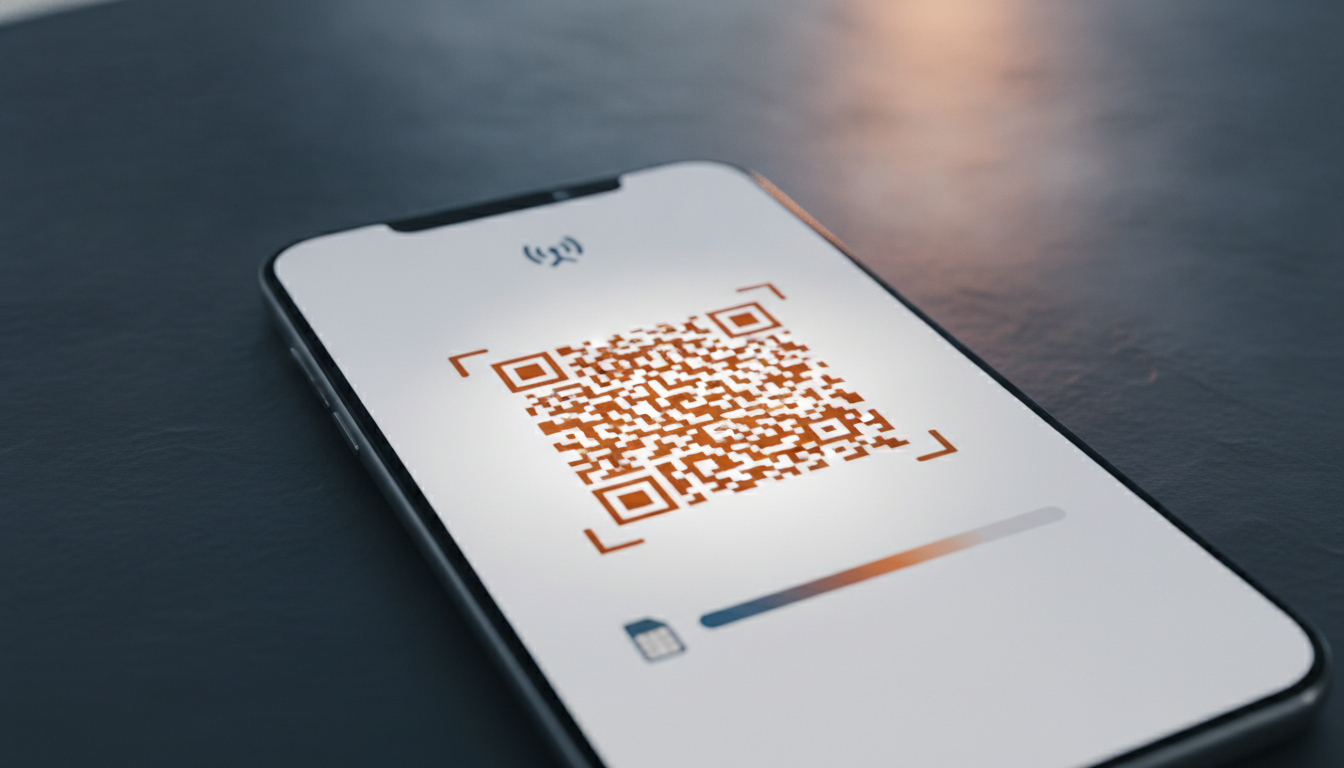
Apply at checkout
Paste the code in the promo field before you pay.
Install in seconds
Scan a QR code on Wi-Fi before you fly.
Keep your number
Runs alongside your home SIM.
Where to enter an eSIM promo code
The hardest part of redeeming a promo code is usually finding the box to type it into. Most eSIM providers keep the promo code field on the final payment screen rather than on the page where you pick your plan, so the trick is to add a plan to your basket and proceed all the way to checkout before you go looking.
Once there, scan the order summary that sits directly above the pay button, because that is where the large majority of eSIM checkouts place the field, labelled something like "Promo code", "Coupon" or "Discount code".
On some providers the field is hidden to keep the checkout tidy, tucked behind a small link such as "Have a promo code?" that you must tap to reveal an input box.
If you have scrolled the whole payment page and still cannot see it, that collapsed link is almost always the culprit. Paste the code exactly as shown, with no leading or trailing space, then tap apply and wait for the total to update before you confirm; a successful code changes the price on screen straight away, which is your confirmation it worked.
Install and activate, step by step
Once the code is applied and you have paid, redemption flows straight into installation, and the whole thing takes about two minutes on Wi-Fi. Do it before you travel so you arrive connected, then flip the data switch on landing.
The steps below cover the standard QR-code method used by every major provider; a few also offer one-tap install through their own app, which is even quicker and skips the QR scan entirely.
- After paying with the code applied, open the confirmation email containing the QR code, ideally on a laptop or second screen.
- On your phone, go to settings, choose Add eSIM, and scan the QR code; the plan downloads in seconds.
- Label the new line (for example Travel) and set it as your data line when you reach your destination.
- Turn on data roaming for the travel line only; this is required for the eSIM to connect to local networks and does not incur home-carrier fees.
What to do when a promo code is rejected
A rejected code is rarely a problem with your account, and most failures fall into a few predictable buckets. The offer may have expired, it may be limited to new customers only, it may apply solely to a specific plan or region, or there may be a minimum order value you have not reached.
Before assuming the code is dead, copy it again carefully and make sure no stray space crept in at either end, because that single invisible character is one of the most common reasons a perfectly valid code is refused at checkout.
If the code still will not apply, return to our ranking and try the next active code listed for the same provider, since we keep several live where we can. Failing that, a volume pack from a competitor with a current promotion will usually still beat paying full price, so it is always worth comparing one or two alternatives rather than abandoning the discount entirely.
Keeping the order summary open while you test codes lets you watch the total change in real time, which is the quickest way to confirm which code genuinely lands.
Why a promo code plus an eSIM beats roaming
The whole point of a travel eSIM is to sidestep the eye-watering roaming charges that home carriers apply abroad, and a promo code simply makes an already cheaper option cheaper still. Keep your home SIM's data switched off and route everything through the eSIM, leaving your normal line active for calls and texts if you want to stay reachable on your usual number.
With the travel eSIM handling data, you pay only the flat, prepaid price you chose, reduced by whatever code you redeemed, with no bill shock when you get home. Pair a well-chosen plan with a current promo code and the cost of staying online for an entire trip often comes in below a single day of traditional roaming.
Redemption FAQ
- Where exactly do I enter the promo code?
- On most providers the promo code field sits on the final payment screen, in the order summary just above the pay button, sometimes hidden behind a small "Have a promo code?" link you must tap to reveal. It is rarely on the plan selection page, so scroll to checkout if you cannot find it.
- Can I redeem a promo code before my trip?
- Yes, and you should. Buy the plan and apply the code on home Wi-Fi a day or two before you leave, install the eSIM, then switch on the data line when you land. Redeeming and installing need internet; using the plan abroad does not.
- What if the promo code is rejected?
- Check you copied it with no trailing space, confirm it is not new-customer or plan-specific, and try the next active code for the same provider in our ranking. A flat code on a smaller plan often still beats paying full price.
Ready to redeem? Grab a code first.
See promo codes