Virgin Connect Roam Review Device Compatibility and Limits in 2026
11/5/2026
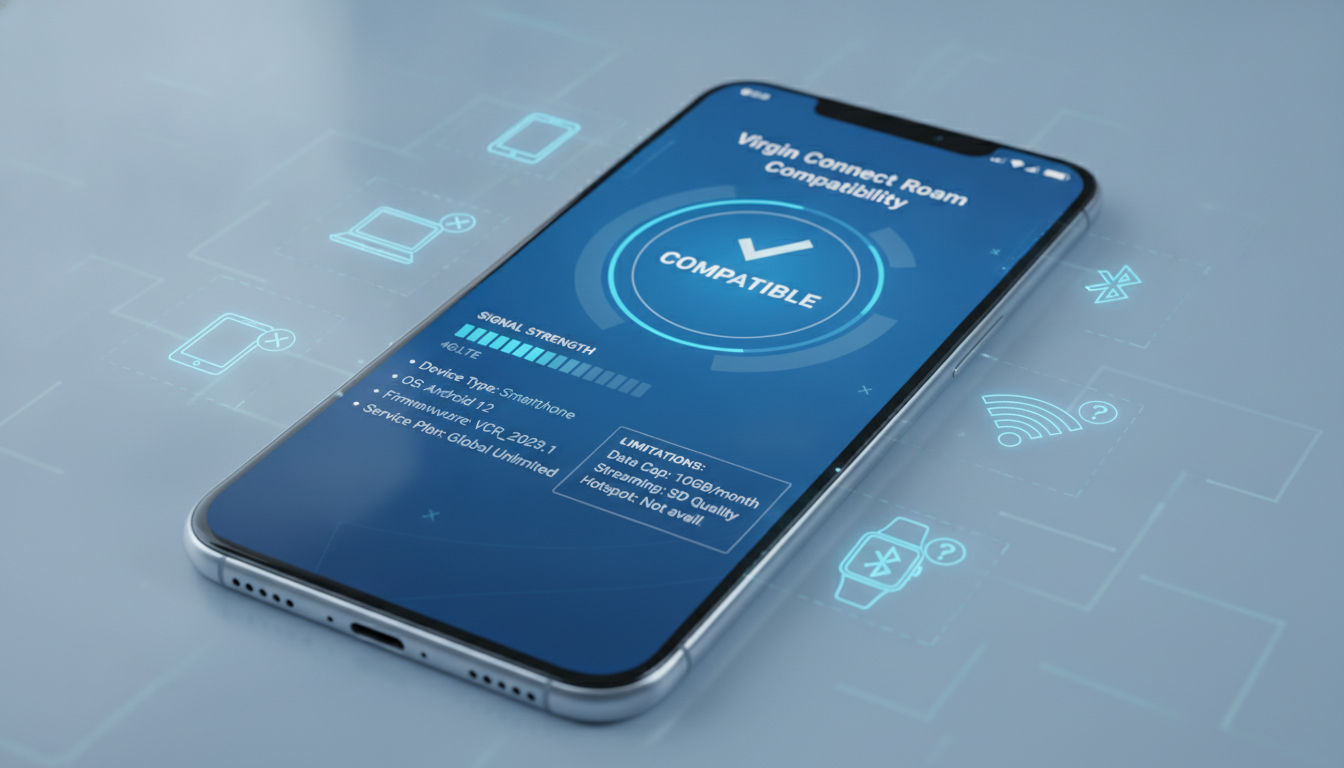
Virgin Connect Roam Review: Device Compatibility and Technical Limitations
Virgin Connect Roam offers prepaid eSIM data plans designed for travelers who want to avoid unexpected roaming fees and get instant online access in over 190 countries. However, before committing to their service, it’s crucial to understand which devices are compatible and what technical limitations might affect your experience.
I always start by checking device compatibility because no matter how affordable or reliable a roaming plan is, it’s useless if your phone or tablet can’t support it.
Which Devices Support Virgin Connect Roam?
Virgin Connect Roam uses eSIM technology, so your device must have an embedded SIM chip and support eSIM profiles. This excludes older phones that rely solely on physical SIM cards.
Compatible devices generally include:
- Apple iPhones from the iPhone XS and XR models onward, running iOS 12.1 or later.
- Google Pixel phones starting with Pixel 3 and newer models.
- Samsung Galaxy devices with One UI 2.0 or later, such as Galaxy S20 and beyond.
- Select Windows laptops and tablets that support eSIM profiles.
- Some iPads with cellular capability running iPadOS 13 or newer.
The key technical condition here is that the device must support the GSMA specification SGP.22, which governs remote eSIM provisioning. Without this compliance, the Virgin Connect Roam app cannot install or activate the eSIM profile.
Technical Limitations That Affect Usage
Even if your device supports eSIMs, Virgin Connect Roam has some technical limitations you should be aware of:
-
Single Active Profile Limitation: Most smartphones allow only one active eSIM profile at a time alongside a physical SIM. If you already use an eSIM for your home carrier, switching to Virgin Connect Roam requires disabling the existing profile temporarily. This mechanism means you cannot use both simultaneously without manual switching, which can be inconvenient during travel.
-
No Voice or SMS Support: Virgin Connect Roam focuses exclusively on data services. The absence of voice and SMS means you cannot make calls or send texts using this eSIM; you’ll need to rely on apps like WhatsApp or FaceTime for communication.
-
Data-Only Plans with Fixed Validity: Plans typically come with fixed durations (e.g., 30 days) and data caps. Once you reach the data limit or expiry date, the service stops working until you purchase a new plan. Unlike traditional roaming plans that may throttle speeds after a threshold, Virgin Connect Roam enforces hard cutoffs.
-
Device Region Restrictions: Some devices sold in certain regions (notably China) have eSIM functionality disabled or limited by firmware restrictions. If your phone was purchased in such a market, Virgin Connect Roam might not activate properly.
How These Limitations Impact Your Trip
The single-profile limitation means if you rely on your home SIM for calls and texts, you must juggle switching between profiles to maintain connectivity. I’d advise against using Virgin Connect Roam as your sole SIM if you need uninterrupted voice service abroad.
The data-only nature suits travelers who primarily use internet-based communication but can be a dealbreaker if you expect traditional mobile services. Also, the hard cutoff on data usage requires careful monitoring; exceeding your plan unexpectedly can leave you offline until recharging.
Understanding Virgin Connect Roam Coverage and Network Reliability
Virgin Connect Roam claims coverage in over 190 countries worldwide by partnering with multiple local mobile networks. This global footprint is impressive but comes with nuances that affect real-world performance.
How Coverage Works Technically
Virgin Connect Roam leverages local network operators through roaming agreements rather than owning physical infrastructure. The app dynamically connects to the best available network based on your location and signal strength.
This roaming mechanism depends on:
- Local network availability: In rural or less developed areas, coverage may be spotty because local operators have limited infrastructure.
- Network compatibility: Your device must support the frequency bands used by local networks; otherwise, even if Virgin Connect Roam has agreements there, your phone won’t connect reliably.
Network Reliability Observations
A key field observation is that in urban centers with multiple operators, Virgin Connect Roam tends to switch networks seamlessly to maintain connectivity. However, in border regions or areas with overlapping coverage zones, frequent network handovers may cause brief drops in data speed or connection loss.
Another technical point is that Virgin Connect Roam’s reliance on multiple operators means data speeds vary widely depending on the local network’s technology (3G, 4G LTE, or 5G). For example:
- In countries where only 3G is available through roaming partners, expect slower speeds around 1–3 Mbps.
- In major cities with LTE or 5G partners, speeds can exceed 50 Mbps under ideal conditions.
This variability is inherent to international roaming services but worth noting when planning activities requiring stable high-speed internet.
Pricing Transparency and Customer Service Considerations
Virgin Connect Roam advertises no hidden roaming fees and transparent prepaid pricing through its app interface. Still, understanding pricing structure and customer support quality is essential before relying on it abroad.
Pricing Structure Overview
Virgin Connect Roam offers prepaid data plans with fixed data allowances and validity periods—typically 30 days for each plan purchased. Prices vary by region but generally range from $20 for 50 GB to $35 for 100 GB in popular destinations like Turkey.
Since Virgin Connect Roam operates purely as a data provider without voice services, pricing focuses solely on data volume rather than minutes or texts.
Customer Service Realities
Customer reviews reveal mixed experiences regarding customer service responsiveness during roaming issues:
- Some users report quick activation within minutes via the app.
- Others mention difficulties resolving unexpected data consumption problems or billing confusion when traveling in countries like Turkey.
A practical tip from my experience: always verify plan activation status immediately after purchase via the app interface to avoid surprises later. Also, keep a backup connectivity option ready since customer service response times may vary depending on location and issue complexity.
Comparing Virgin Connect Roam With Other Providers
While Virgin Connect Roam offers competitive pricing and broad coverage, it’s useful to compare it with other popular eSIM providers based on compatibility and technical features relevant to travelers.
| Provider | MyBestSim Rank | User Rating | Promo Code | Discount |
|---|---|---|---|---|
| Yesim | 2 | 4.8/5 | MYBESTSIM20 | 20% off |
| Holafly | 3 | N/A | MYBESTSIM | 5% off |
| NXTL eSIM | 4 | N/A | MYBESTSIM | 45% off |
| Simbye | 5 | 4.3/5 | MYBESTSIM | 20% off |
| BNESIM | 8 | N/A | MYBESTSIM | 30% off |
| eSIMo | 16 | 4/5 | MYBESTSIM | 20% off |
Virgin Connect Roam stands out for its instant activation feature and extensive country list but lacks voice/SMS support compared to some competitors offering hybrid plans. Its device compatibility aligns closely with industry standards but requires careful attention to region-specific firmware restrictions.
If you want to reduce costs further while maintaining broad compatibility, I recommend consulting MyBestSim’s comparison tool for up-to-date offers and promo codes tailored to your destination and device type.
Practical Tips for Using Virgin Connect Roam Successfully
To avoid common pitfalls when using Virgin Connect Roam abroad:
- Check Device Compatibility Before Purchase: Confirm your phone supports GSMA SGP.22 remote provisioning and that eSIM functionality is enabled in your region.
- Monitor Data Usage Closely: Since plans have hard cutoffs without throttling options, track consumption via the app regularly.
- Prepare for Single Active Profile Switching: If you rely on your home SIM for calls/texts, practice switching between profiles before traveling.
- Test Activation Early: Activate your eSIM at least a day before departure to troubleshoot any issues without stress.
- Have a Backup Connectivity Option: Carry a physical SIM card from a local provider or another global eSIM plan as fallback in case of network issues.
For those interested in maximizing savings when buying an eSIM plan like Virgin Connect Roam’s, I recommend reading about how to use promo codes effectively at Promo Code eSIM’s guide.
Virgin Connect Roam’s reliance on multiple local networks means its performance depends heavily on regional infrastructure quality and device band support. Understanding these technical details helps avoid surprises during travel and ensures you stay connected smoothly without unexpected costs or downtime.
FAQ
Which devices are compatible with Virgin Connect Roam?
Virgin Connect Roam supports devices with embedded eSIM chips that comply with GSMA SGP.22. Compatible devices include iPhones XS/XR or newer, Google Pixel 3 and later, Samsung Galaxy S20 and above, select Windows laptops, and cellular iPads running recent OS versions.
Can I use Virgin Connect Roam for calls and texts?
No, Virgin Connect Roam offers data-only plans without voice or SMS support. To make calls or send texts, you must use internet-based apps like WhatsApp or FaceTime while connected to the eSIM data service.
What are the main technical limitations of Virgin Connect Roam?
Key limitations include allowing only one active eSIM profile at a time, no voice/SMS services, fixed data caps with hard cutoffs, and possible device region restrictions that may disable eSIM functionality on some phones.
How reliable is Virgin Connect Roam’s network coverage abroad?
Virgin Connect Roam connects through local networks in over 190 countries, offering good urban coverage but potential spotty service in rural areas. Network speeds vary by local technology, ranging from slow 3G to fast 5G depending on location.
What should I do to prepare before using Virgin Connect Roam?
Check your device’s eSIM compatibility and region restrictions, activate the eSIM at least a day before travel, monitor data usage closely, practice switching profiles if needed, and have a backup connectivity option like a local SIM or another eSIM plan.

Daniel Park
Daniel is a travel-tech writer. At Promo Code eSIM he explains how to redeem eSIM promo codes and finds working codes for every major provider.