Roamic Erfahrung Device Compatibility and Technical Limits in 2026
10/31/2026
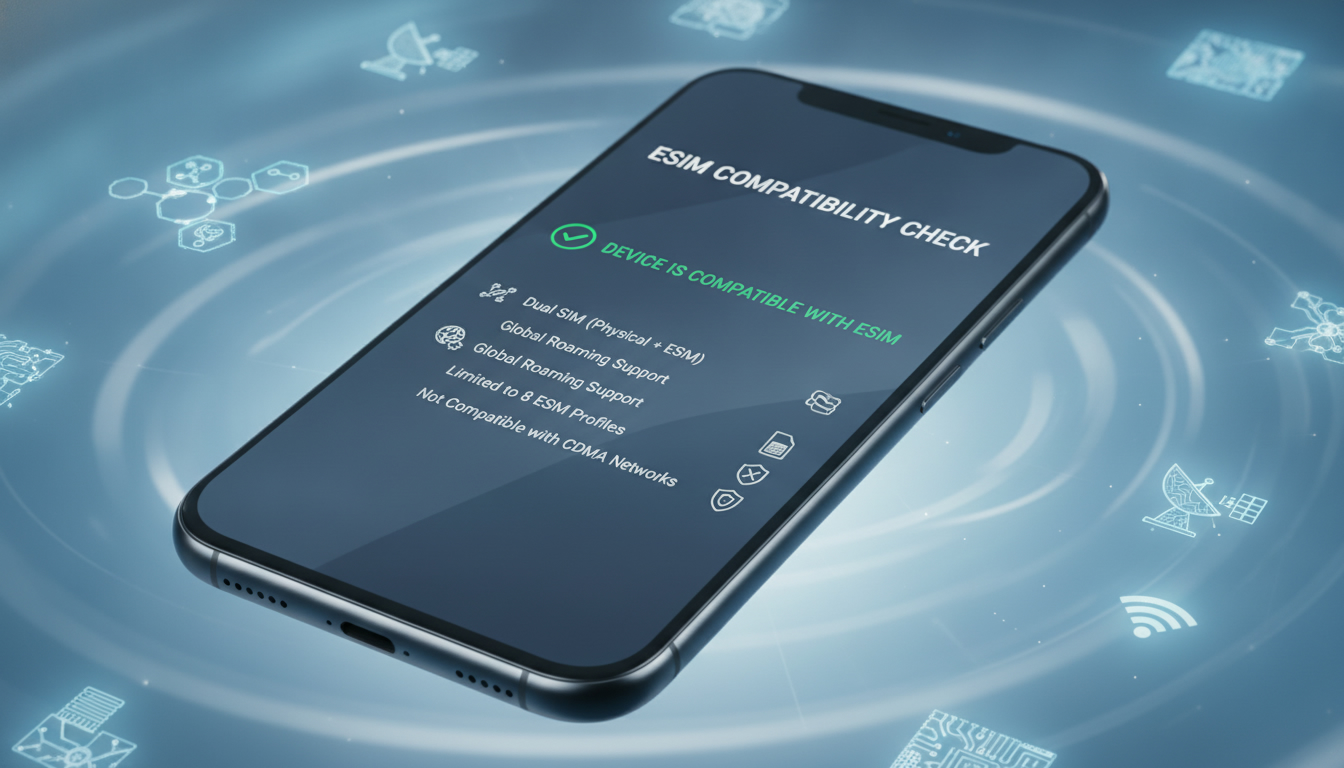
Device Compatibility and Technical Limits of Roamic eSIM: What You Need to Know
Roamic eSIM offers a flexible way to stay connected internationally without swapping physical SIM cards. However, device compatibility and technical constraints shape the actual user experience.
Understanding which devices work with Roamic and what limitations to expect is crucial before committing to their service. I always start by checking device support because even the best eSIM service is useless if your phone or tablet can’t activate it properly.
Which Devices Are Compatible with Roamic eSIM?
Roamic supports a wide range of devices, but not all eSIM-capable gadgets are created equal. The service primarily targets smartphones, tablets, and some laptops that comply with GSMA’s SGP.22 specification for remote SIM provisioning.
Supported Device Categories
- Smartphones: Most recent models from Apple (iPhone XS and later), Google Pixel (Pixel 3 and newer), Samsung Galaxy S20 and above generally support Roamic eSIM activation.
- Tablets: iPads with cellular capability released since 2018 usually work well.
- Laptops: Some Windows 10/11 laptops with eSIM hardware and proper firmware support Roamic, but this is less common.
The Roamic app itself requires iOS 13+ or Android 8+ to function smoothly, which aligns with the minimum OS requirements for eSIM management on these platforms.
Device Model Limitations
A key field observation is that older devices with eSIM hardware but outdated firmware often fail to activate or maintain stable connections. For example, some early iPhone models that technically support eSIM struggle with multi-profile management, causing connection drops when switching between physical SIMs and eSIMs.
This happens because the device’s modem firmware does not fully implement the GSMA SGP.22 standard, leading to partial provisioning failures.
Another practical limit is that dual-SIM dual-standby (DSDS) devices sometimes prioritize the physical SIM over the eSIM, causing unexpected data routing or network selection issues. Users have reported that on certain Samsung Galaxy models, the eSIM connection can be disabled automatically when receiving calls on the physical SIM, reducing seamless connectivity.
Technical Constraints Affecting Roamic Service Performance
Roamic’s user experience depends heavily on how well your device handles eSIM profiles and network switching. Here are some technical aspects I’ve found critical:
Profile Installation and Activation
Roamic delivers eSIM profiles via QR codes or app-based downloads compliant with GSMA SGP.22. However, devices that do not support multiple active profiles simultaneously may require deleting existing profiles before installing a new one.
This can be inconvenient for travelers who want to keep their home SIM active while using Roamic abroad.
The activation process itself demands a stable internet connection during profile download; otherwise, errors occur. I’d advise against attempting activation in areas with weak Wi-Fi or cellular data because incomplete profile installation leads to unusable SIMs.
Network Compatibility and Coverage
Roamic partners with multiple local carriers worldwide to provide coverage. However, device bands supported by your phone must match those used by Roamic’s partner networks in your destination.
For instance, if your phone lacks LTE Band 28 (700 MHz), common in Southeast Asia, you may experience poor data speeds or no connection despite having an active Roamic profile.
This mismatch is a frequent cause of user complaints about slow internet or dropped signals during travel. Checking your device’s supported frequency bands against Roamic’s coverage maps is essential.
Battery Consumption and Background Processes
Running an eSIM profile alongside a physical SIM can increase battery drain due to constant network scanning and switching. Devices without optimized modem firmware for dual SIM operation tend to consume more power when using services like Roamic.
I’ve noticed that phones running older Android versions often show higher battery consumption under these conditions compared to iPhones with more integrated eSIM management.
User Feedback on Roamic App Features and Interface Usability
The Roamic app is central to managing your eSIM profiles, topping up data plans, and monitoring usage. User feedback highlights both strengths and weaknesses related to device compatibility.
App Performance Across Devices
- On iOS devices (iPhone 11 and newer), the app runs smoothly with quick profile downloads and clear interface prompts.
- On some Android devices, especially those from lesser-known manufacturers, users report crashes or slow loading times during activation.
- The app requires permissions for network access and storage; denying these can block profile installation entirely.
Interface Usability Observations
The app interface is designed for simplicity but sometimes lacks detailed troubleshooting guidance when activation fails. Users unfamiliar with technical terms like “profile provisioning” may struggle without external help.
One field observation: users who try activating multiple profiles without deleting old ones often encounter cryptic error messages, which the app does not clarify well. This leads to frustration unless they consult online forums or support channels.
Common Technical Pitfalls When Using Roamic on Various Devices
Understanding typical mistakes helps avoid wasted time and ensures a smoother experience:
- Attempting Activation Without Clearing Previous Profiles: Many devices require removing existing eSIM profiles before adding a new one due to limited profile slots or firmware restrictions.
- Ignoring Device Band Support: Installing Roamic on a device lacking compatible LTE bands results in poor connectivity despite successful activation.
- Overlooking OS Version Requirements: Older OS versions may lack necessary APIs for seamless profile management; updating your device system software is often mandatory.
- Using Roamic in Areas With Weak Internet During Setup: Activation stalls if the initial download of the profile QR code or app data fails due to unstable connections.
- Confusing Physical SIM Priority Settings: Some phones default to physical SIM for data unless manually switched in settings; users unaware of this find their Roamic data inactive despite active profiles.
These pitfalls stem from specific device behaviors interacting with GSMA standards implementation and network operator configurations.
How Roamic Pricing Reflects Its Service Model
Roamic offers competitive pricing focused on short-term international travelers who need flexible data options without long-term contracts.
| Country | Data Allowance | Duration | Price (USD) |
|---|---|---|---|
| Poland | 1 GB | 7 days | 0.99 |
| Romania | 1 GB | 7 days | 0.99 |
| United Kingdom | 1 GB | 7 days | 0.99 |
| Netherlands | 1 GB | 7 days | 0.99 |
| Portugal | 1 GB | 7 days | 0.99 |
Prices are uniform across these countries for basic plans, making it easy to predict costs during multi-country trips within Europe.
Roamic also provides a promo code "MYBESTSIM" recognized by MyBestSim, offering a 10% discount on unlimited plans, which can be valuable for heavier data users planning extended stays abroad.
Comparing Roamic With Other Providers on Device Compatibility Grounds
While many providers offer international eSIMs, device compatibility varies significantly:
- Providers like Airalo and Yesim also support GSMA SGP.22 but may have broader device testing coverage.
- Some competitors offer dedicated apps optimized for specific brands (e.g., Samsung), improving activation success rates.
- Roamic’s advantage lies in its straightforward pricing model but may lag behind in supporting niche devices like Windows laptops or older Android phones fully.
For travelers using Apple devices such as the iPhone 15 series, checking out detailed guides on iPhone 15 eSIM capabilities can clarify compatibility nuances before purchase decisions.
Similarly, those interested in robust global coverage might explore alternatives like Roamifi 5G or RoamifiTM for comparison on network reach and device support scope.
In sum, the real question when considering "roamic erfahrung" revolves around whether your specific device fully supports GSMA SGP.22 provisioning without firmware quirks that hamper activation or connectivity stability. The interplay between hardware bands, OS version, modem firmware, and app performance defines how smooth your experience will be — not just the advertised coverage or price alone.
FAQ
Which devices are compatible with Roamic eSIM service?
Roamic eSIM supports recent smartphones like iPhone XS and newer, Google Pixel 3+, Samsung Galaxy S20+, cellular iPads from 2018 onward, and some Windows 10/11 laptops with eSIM hardware. Compatibility depends on device firmware and OS versions meeting GSMA SGP.22 standards.
Why do some devices fail to activate Roamic eSIM profiles?
Activation failures often occur on older devices with outdated modem firmware that do not fully support GSMA SGP.22 provisioning. Additionally, devices that limit multiple active profiles or have unstable network switching can cause Roamic eSIM activation or connection issues.
How does device band support affect Roamic eSIM connectivity?
Your device must support the LTE frequency bands used by Roamic’s partner networks in your travel destination. Missing bands like LTE Band 28 can lead to slow data speeds or no connection, even if the Roamic profile is active on your device.
What common user mistakes impact Roamic eSIM performance?
Typical errors include not deleting old eSIM profiles before installing new ones, ignoring device band compatibility, using outdated OS versions, activating profiles in weak internet areas, and not adjusting SIM priority settings, all of which can disrupt Roamic’s service.
How does the Roamic app perform across different devices?
The Roamic app runs smoothly on iOS devices like iPhone 11 and newer but may experience crashes or slowdowns on some Android models, especially from lesser-known brands. Proper app permissions are essential for profile installation and stable operation.

Daniel Park
Daniel is a travel-tech writer. At Promo Code eSIM he explains how to redeem eSIM promo codes and finds working codes for every major provider.