How to Use MobiMatter eSIM for Travel in 2026
6/21/2026
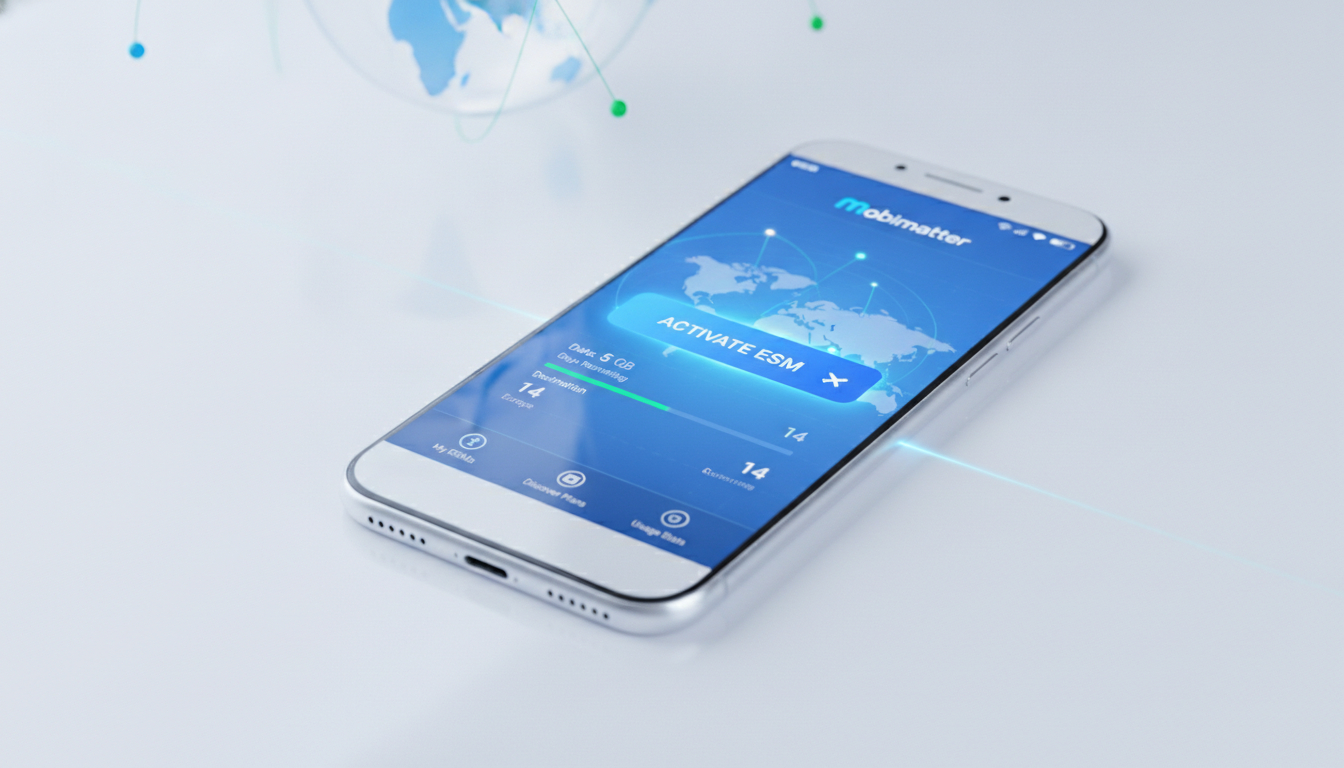
In short, what you'll discover in this article: Learn everything about the Mobimatter eSIM service, from activation and device compatibility to pricing and network coverage. Discover how Mobimatter compares to physical SIM cards and other eSIM providers, plus tips for managing your eSIM while traveling.
1. Introduction — Why Choose an eSIM and a Quick Overview of Mobimatter
The rise of eSIM technology offers travelers a convenient alternative to traditional physical SIM cards. With an eSIM, you can switch carriers or data plans without swapping SIM cards physically, making international travel smoother and more flexible.
Mobimatter eSIM is one of the popular marketplaces providing access to hundreds of travel eSIM plans worldwide.
Mobimatter stands out by aggregating multiple eSIM providers into one platform, offering instant delivery and easy activation for over 200 destinations. This makes it an attractive option for travelers seeking hassle-free mobile data solutions.
2. What Is Mobimatter eSIM?
2.1 Service Overview and Positioning
Mobimatter is an eSIM marketplace that connects users with various mobile data plans from global operators. Unlike a single carrier, it offers a wide selection of plans tailored for travelers, including short-term and long-term options.
The platform focuses on data-only eSIMs, ideal for internet access abroad without the need for a local phone number.
2.2 Key Features
- Instant eSIM delivery via QR code or app
- Wide coverage with plans for 200+ countries
- Transparent pricing with no hidden fees
- User-friendly interface through the Mobimatter app
- Multi-profile management allowing easy switching between plans
3. Advantages of Mobimatter Compared to Physical SIM Cards
3.1 Simple Activation
One of the biggest benefits is the Mobimatter eSIM activation process. You simply purchase your plan online, receive a QR code or activation code instantly, and install it on your compatible device without needing to visit a store or wait for shipping.
3.2 Multi-profile Management and Switching
Mobimatter allows you to store multiple eSIM profiles on your device and switch between them seamlessly. This is perfect for frequent travelers who visit several countries or want to keep separate personal and business data plans.
3.3 Coverage and Network Quality
Mobimatter partners with reputable local carriers worldwide, ensuring reliable network coverage in most popular travel destinations. While coverage depends on the specific plan chosen, users generally report good connectivity and speeds.
4. Plans and Pricing
4.1 Types of Plans (Data-only, Roaming, Long-term, Prepaid)
Mobimatter primarily offers data-only plans designed for internet use abroad. These include:
- Short-term roaming plans ideal for trips lasting a few days
- Long-term prepaid plans suitable for extended stays
- Regional bundles covering multiple countries within a continent
4.2 Price Comparison with Competitors
While exact prices vary by destination and plan type, Mobimatter’s marketplace model often provides competitive rates compared to buying directly from carriers or other eSIM providers. For travelers looking to save on mobile data abroad, exploring promo codes can further reduce costs—learn how to use them effectively in our guide on using an eSIM promo code to reduce data costs abroad.
5. Compatibility and Supported Devices
5.1 Compatible Devices List (iOS, Android, Tablets, IoT)
Mobimatter supports a broad range of devices that are Mobimatter eSIM compatible devices, including:
- iPhones from XS/XR models onward running iOS 12.1+
- Android smartphones from brands like Samsung, Google Pixel, OnePlus supporting Android 10+
- Tablets such as iPad Pro with cellular capabilities
- Select IoT devices equipped with eSIM functionality
5.2 Known Limitations and Workarounds
Some older devices or carrier-locked phones may not support eSIM installation or switching profiles easily. It’s essential to verify your device’s compatibility before purchase by checking settings or manufacturer specs.
6. Buying and Activating a Mobimatter eSIM — Step-by-Step Guide
6.1 Pre-purchase Checks (Device, Carrier Lock, OS Version)
Before buying:
- Confirm your device supports eSIM.
- Ensure it’s unlocked or compatible with international carriers.
- Update your operating system to the latest version.
6.2 Online Purchase Process
Visit the official Mobimatter website or use their app to browse available plans by country or region. Select your desired plan, add it to your cart, and complete payment securely.
6.3 Activation (QR Code / Activation Code / Automatic Installation)
After purchase:
- Receive your QR code via email or directly in the app.
- On your phone, go to Settings > Cellular > Add Cellular Plan.
- Scan the QR code or enter the activation code manually.
- Follow prompts to finalize installation.
The process is quick and usually takes only a few minutes.
7. Coverage and Network Performance
7.1 Country Mapping / Partner Operators
Mobimatter collaborates with leading local carriers worldwide to provide extensive coverage maps accessible through their app or website.
7.2 Tips for Optimizing Connection Abroad
- Enable roaming settings on your device.
- Restart your phone after activating the eSIM.
- Choose plans covering multiple operators if available.
- Use Wi-Fi when possible to conserve data.
8. Support, Troubleshooting, and Commercial Policy
8.1 Common Issues and Solutions
Users occasionally face issues like failed activation or slow speeds; these can often be resolved by reinstalling the profile or contacting customer support.
8.2 Refund Policy and Customer Assistance
Mobimatter offers customer support through their app and website channels but has limited refund options depending on plan usage status.
9. Comparison: Mobimatter vs Other eSIM Solutions
9.1 Criteria: Price, Coverage, Ease of Use, Support
Compared to competitors like GigSky or Holafly, Mobimatter excels in variety due to its marketplace model but may lack some quality control consistency noted in user reviews (source). Its pricing is competitive; however, ease of use depends heavily on individual plan providers within the platform.
For those interested in alternatives with promo codes and detailed savings tips, check out our article on GigSky.
10. Testimonials and Use Cases
Many travelers praise Mobimatter for fast setup during trips such as visiting South Korea or Europe where physical SIM swaps are inconvenient (Trustpilot reviews). The ability to manage multiple profiles also appeals to digital nomads juggling work across continents.
11. Conclusion & Call-to-Action
Mobimatter eSIM offers a flexible solution for travelers seeking easy mobile data access without physical SIM hassles. Its broad plan selection and instant activation make it worth considering if you want reliable connectivity abroad.
Ready to simplify your travel connectivity? Explore Mobimatter’s offerings today or contact their support team for personalized advice tailored to your trip needs!
For additional savings tips on mobile data abroad, don’t miss our guide on free eSIM data plans.
FAQ
How do I activate a Mobimatter eSIM on my device?
To activate a Mobimatter eSIM, purchase a plan online, then scan the QR code or enter the activation code in your device’s cellular settings. The process is quick and requires no physical SIM card or store visit.
Which devices are compatible with Mobimatter eSIM service?
Mobimatter supports iPhones XS/XR and newer with iOS 12.1+, Android phones running Android 10+, cellular iPads, and some IoT devices. Check your device’s specs to ensure eSIM compatibility before purchasing.
What advantages does Mobimatter eSIM offer over physical SIM cards?
Mobimatter eSIM provides instant activation, multi-profile management for easy switching between plans, and broad coverage without needing to swap physical SIM cards. This makes it ideal for travelers seeking convenience and flexibility.
How does Mobimatter pricing compare to other eSIM providers?
Mobimatter’s marketplace model offers competitive pricing by aggregating multiple providers. Prices vary by destination and plan type, but promo codes can further reduce costs, making it a cost-effective option for international data.
What should I do if I encounter issues with my Mobimatter eSIM?
Common issues like activation failures or slow speeds can often be fixed by reinstalling the eSIM profile or restarting your device. For persistent problems, contact Mobimatter customer support through their app or website.

Daniel Park
Daniel is a travel-tech writer. At Promo Code eSIM he explains how to redeem eSIM promo codes and finds working codes for every major provider.