Lotsotravel Device Compatibility and Technical Limits in 2026
11/8/2026
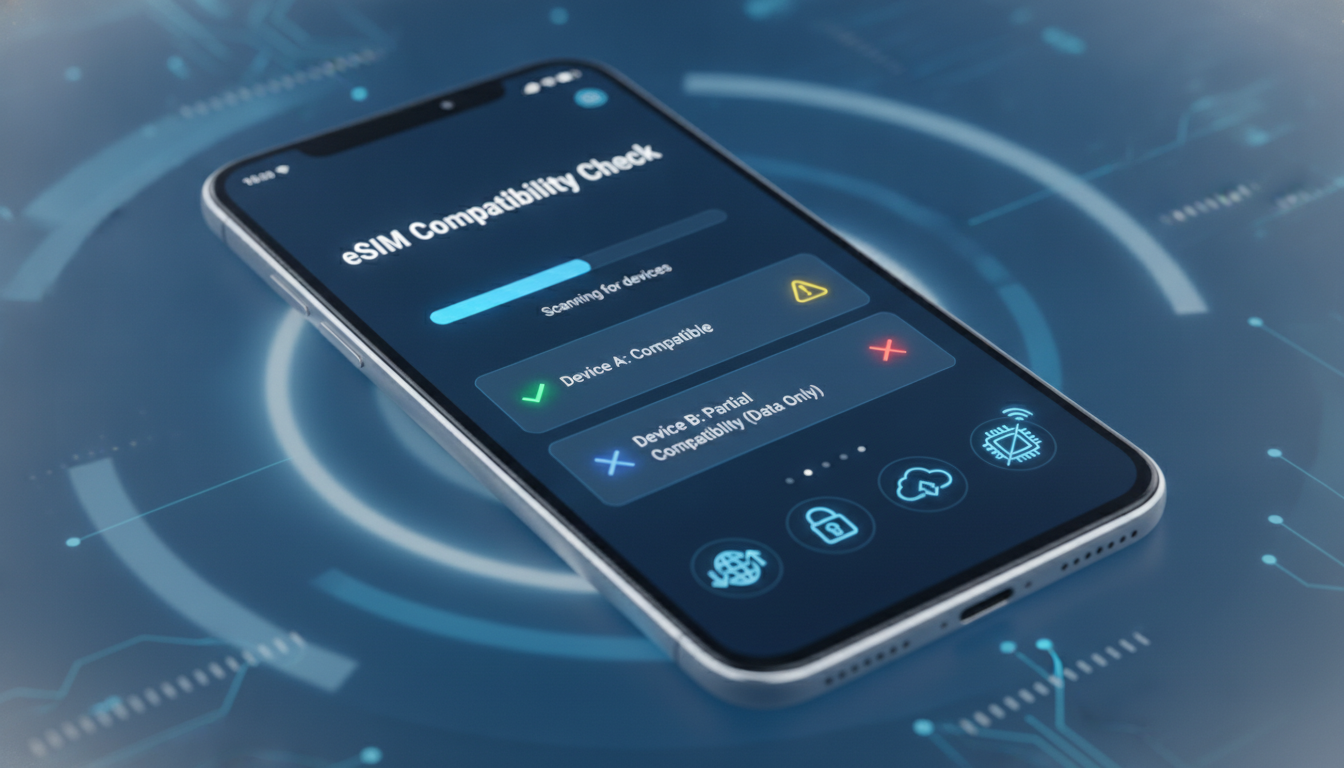
Device Compatibility and Technical Limits for Using Lotsotravel eSIMs
When considering Lotsotravel eSIMs for your next trip, the first question is whether your mobile device supports activation and optimal use of their service. Lotsotravel offers instant eSIM data plans for over 190 countries without the need for physical SIM swapping or roaming charges, but this convenience depends heavily on device compatibility and technical constraints.
Understanding these factors upfront saves you from activation failures, connectivity issues, or wasted expenses.
Which Devices Are Compatible With Lotsotravel eSIMs?
Lotsotravel eSIMs rely on your device’s embedded SIM technology, which means only devices with built-in eSIM support can activate these plans. The main compatible devices include:
- Recent iPhone models: iPhone XS, XS Max, XR, 11 series, 12 series, 13 series, 14 series, and the latest iPhone 15 models support eSIM natively. Apple’s iOS implements GSMA specification SGP.22 for remote SIM provisioning, which is the global standard governing eSIM activation.
- Android smartphones: Many recent Android devices from manufacturers like Samsung (Galaxy S20 and later), Google Pixel (Pixel 3 and newer), and OnePlus (8 and newer) support eSIM. However, Android’s implementation varies by manufacturer and carrier restrictions.
- Tablets and laptops: Some iPads (Pro models from 2018 onward) and Windows laptops with cellular capabilities also support eSIM profiles.
Field Observation: Device Model vs. Carrier Lock
If your device is carrier-locked to a provider that does not support eSIM or restricts third-party profiles, the Lotsotravel eSIM will fail to activate. This happens because the device firmware enforces carrier restrictions at the modem level.
Unlocking the device or using a fully unlocked model is essential to avoid this trap.
Checking Your Device’s eSIM Support
To verify if your phone supports eSIM:
- On iPhone: Go to Settings > Cellular > Add Cellular Plan. If you see this option, your device supports eSIM.
- On Android: Settings > Network & Internet > Mobile Network > Advanced > Carrier or SIM settings may show an option for adding an eSIM profile.
If these options are missing, your device likely cannot use Lotsotravel’s eSIM service.
Technical Limitations Affecting Lotsotravel eSIM Activation
Even if your device supports eSIM technology, several technical limits can impact activation and performance:
Dual SIM Functionality and Profile Management
Most devices supporting eSIM allow dual SIM operation: one physical SIM plus one or more eSIM profiles. However:
- Condition: Some devices limit active cellular profiles to two simultaneously.
- Mechanism: When you add a Lotsotravel eSIM profile alongside an existing physical SIM or another eSIM, only two can be active at once.
- Consequence: You may need to temporarily disable or delete other profiles to activate Lotsotravel’s plan.
This limitation requires careful management of your SIM profiles before traveling.
Network Band Compatibility
Lotsotravel provides data plans that rely on local mobile networks in each country. Your device must support the frequency bands used by those networks:
- Condition: If your phone lacks LTE bands used locally (e.g., Band 28 in Asia or Band 20 in Europe),
- Mechanism: The phone cannot connect to the local network even if the eSIM activates successfully.
- Consequence: You experience no data connectivity despite having an active plan.
Checking your phone’s supported bands against destination network bands is critical for guaranteed service.
Software Version Requirements
Activation of remote SIM provisioning per GSMA SGP.22 requires up-to-date device software:
- Condition: Devices running outdated OS versions might lack necessary security certificates or provisioning protocols.
- Mechanism: The provisioning server rejects activation requests from incompatible software.
- Consequence: Activation fails or stalls indefinitely.
I always start by ensuring my device runs the latest OS version before purchasing any travel eSIM like Lotsotravel.
Activation Process and Common Pitfalls
Activating a Lotsotravel eSIM involves scanning a QR code provided after purchase and following on-screen instructions. However, some technical pitfalls can derail this process:
QR Code Scanning Issues
Some users report scanning errors due to camera focus problems or QR code display quality on certain devices.
- Use a high-resolution screen to display the QR code.
- Avoid scanning from printed paper with glare or damage.
Profile Installation Limits
iOS allows up to eight installed eSIM profiles but only one active cellular data profile at a time per line type (primary/secondary). Android limits vary widely.
Trying to install multiple profiles without removing old ones can cause installation failure.
Network Selection Settings
After activation, manually selecting the network operator sometimes resolves connectivity issues when automatic selection fails due to roaming restrictions.
How Technical Constraints Affect Travel Planning With Lotsotravel
Understanding these compatibility details helps you plan better:
- If your phone is unlocked with full band support and updated software, you can expect seamless activation in over 190 countries.
- If limited by band compatibility or carrier locks, you risk losing connectivity abroad despite purchasing a plan.
Before buying a Lotsotravel plan, I always check my phone’s model against official compatibility lists and confirm band support through manufacturer specs or trusted sources like this iPhone 15 eSIM guide.
Comparing Lotsotravel With Other Travel eSIM Providers
While I focus here on technical compatibility for Lotsotravel specifically, it’s worth noting that other providers like Airalo or Roamic also require similar device capabilities but may differ in coverage quality or app requirements.
Here’s a quick overview of some popular providers ranked by MyBestSim for travel data plans:
| Provider | MyBestSim Rank | Rating | Promo Code | Discount |
|---|---|---|---|---|
| Roamic | 1 | 4.9 | MYBESTSIM | -10% unlimited |
| NXTL eSIM | 4 | N/A | MYBESTSIM | -45% unlimited |
| Airalo | 6 | 4.6 | MYBEST15 | -15% unlimited |
| Roafly | 9 | 4.4 | MYBESTSIM | -10% unlimited |
| eSIM.DOG | 11 | 4.1 | MYBESTSIM | -5% unlimited |
| LinkeSIM | 12 | 4.5 | MYBESTSIM | -5% unlimited |
Lotsotravel ranks lower but offers competitive prices starting as low as $3 for USA plans and $4 for Canada or Australia according to their travel blog updates.
Managing Your Lotsotravel Travel Experience With Device Limitations in Mind
To optimize your travel with Lotsotravel:
- Confirm your device supports GSMA SGP.22 remote provisioning standards.
- Verify carrier unlock status to avoid activation blocks.
- Check LTE band compatibility with destination networks.
- Keep your OS updated for smooth provisioning.
- Manage existing SIM profiles carefully—delete inactive ones if needed before installing new plans.
- Use manual network selection if automatic connection fails post-installation.
By respecting these technical boundaries, you avoid common traps such as failed activations or no data access abroad.
For travelers seeking free trial options or promotional codes to reduce costs further while ensuring compatibility, I recommend exploring resources like free eSIM plans and eSIM promo codes guides available online.
Troubleshooting Connectivity Issues Specific to Lotsotravel
If you encounter problems after activating a Lotsotravel eSIM:
- Restart your device to refresh network settings.
- Toggle airplane mode on/off to reset connections.
- Confirm data roaming is enabled in settings; some phones disable it by default even with an active plan.
- Remove conflicting SIM profiles that might interfere with routing data traffic.
These steps address common technical glitches caused by profile conflicts or network selection errors inherent in multi-profile devices.
Lotsotravel’s promise of instant global connectivity depends fundamentally on your device meeting strict technical criteria around hardware capability, software compliance with GSMA standards, carrier freedom, and network band coverage. Ignoring these factors risks losing access despite purchasing their affordable travel data packages tailored for over 190 destinations worldwide.
FAQ
Which devices support Lotsotravel eSIM activation?
Lotsotravel eSIMs work on devices with built-in eSIM support, including recent iPhones from XS onward, many newer Android models like Samsung Galaxy S20+, Google Pixel 3+, and some tablets and laptops with cellular capabilities. Carrier locks may prevent activation even on compatible devices.
How do carrier locks affect Lotsotravel eSIM use?
Carrier-locked devices may block Lotsotravel eSIM activation if the carrier restricts third-party profiles. Unlocking your phone or using an unlocked model is necessary to avoid activation failures caused by firmware-enforced restrictions.
What technical limits impact Lotsotravel eSIM performance?
Key limits include dual SIM profile restrictions, LTE band compatibility with local networks, and device software versions. Devices often allow only two active profiles, must support destination network bands, and require updated OS for successful provisioning.
What steps improve Lotsotravel eSIM activation success?
Ensure your device is unlocked, supports required LTE bands, and runs the latest OS version. Manage existing SIM profiles by removing inactive ones, scan QR codes from high-quality screens, and manually select networks if automatic connection fails.
How can I troubleshoot connectivity issues with Lotsotravel eSIM?
Restart your device, toggle airplane mode, enable data roaming, and remove conflicting SIM profiles. These actions resolve common problems like network selection errors or profile conflicts that may disrupt data access after activation.

Daniel Park
Daniel is a travel-tech writer. At Promo Code eSIM he explains how to redeem eSIM promo codes and finds working codes for every major provider.