Which Devices Support Lidl eSIM and What Are the Technical Limits
9/19/2026
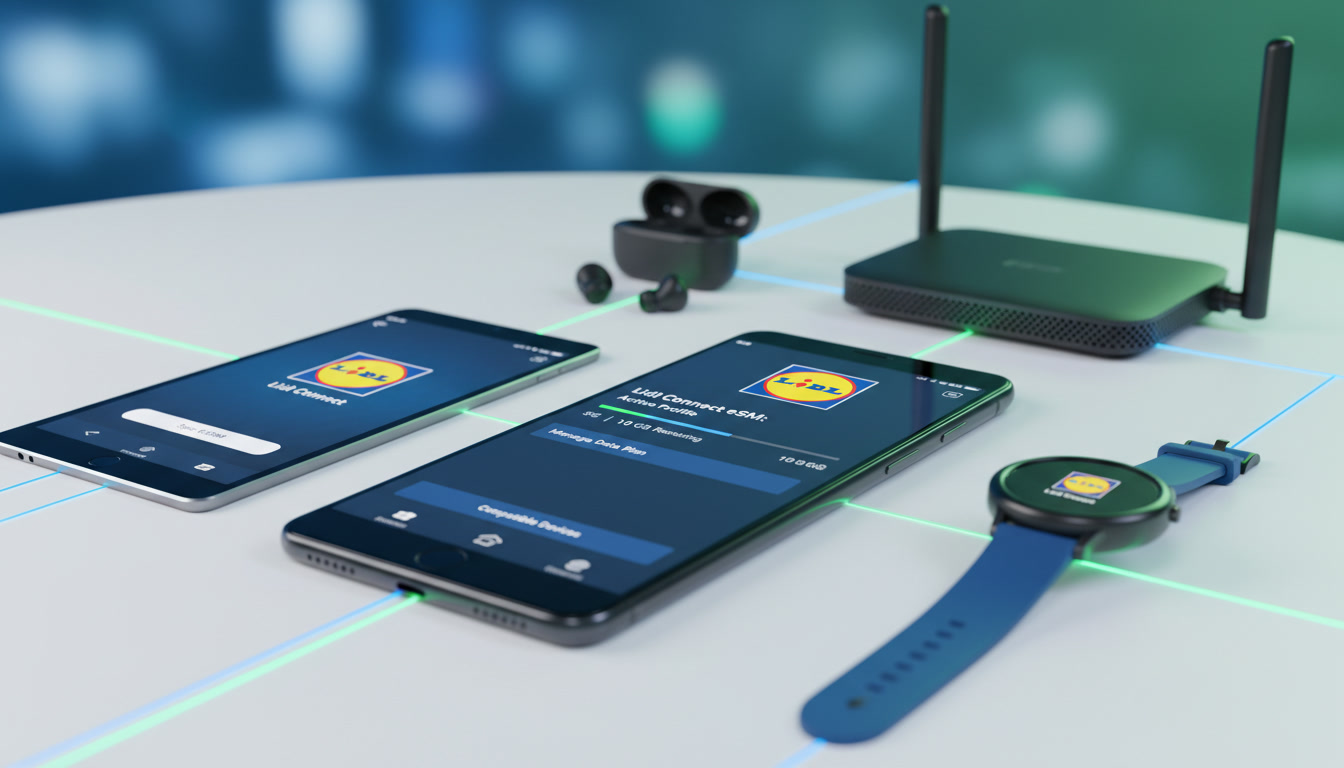
Which Devices Are Compatible With Lidl eSIM and What Are the Technical Limits?
If you’re considering switching to the Lidl eSIM plan, the first question you’ll want answered is: does my device support it? Lidl Connect offers eSIMs that let you activate mobile service without a physical SIM card, but compatibility and technical requirements vary by device.
Understanding these details upfront saves you from activation headaches and ensures you get the most out of Lidl’s flexible mobile offerings.
Lidl eSIM Compatibility With Devices: What You Need to Know
Lidl’s eSIM service works on devices that support the GSMA’s remote SIM provisioning standard SGP.22, which governs how eSIM profiles are downloaded and managed securely over the air. This means your device must have an embedded SIM chip capable of handling this protocol.
Supported Device Types
- Smartphones: Most recent flagship smartphones from Apple, Samsung, Google, and other major brands support eSIM. For example, Apple’s iPhone XS and later models have built-in eSIM functionality. Samsung Galaxy S20 and newer also support eSIM.
- Tablets: Some tablets like the iPad Pro (3rd generation and later) include eSIM support.
- Wearables: Select smartwatches such as the Apple Watch Series 3 and newer can use eSIMs for cellular connectivity.
- Laptops: A limited number of laptops with cellular modems support eSIM, but this is less common.
Technical Requirements and Limitations
-
Dual SIM Functionality: Many devices with eSIM capability allow dual SIM use—one physical SIM and one eSIM simultaneously. However, not all devices support active use of both lines at once; some restrict data or calls to one SIM at a time. For Lidl’s service, this means you can keep your old number active while testing or switching to Lidl eSIM, but check your device’s dual SIM management carefully.
-
Carrier Locking: Some devices are carrier-locked and may not accept an eSIM profile from Lidl if it’s not authorized by the original carrier. Unlocking your phone beforehand is essential to avoid activation failure.
-
Operating System Version: Your device’s OS must be updated to a version that supports eSIM management. For example, iOS 12.1 or later is required for iPhone eSIM activation.
-
Profile Storage Limits: Devices have a limit on how many eSIM profiles they can store—typically between 5 to 10 profiles depending on manufacturer specifications. This affects users who frequently switch providers or travel internationally.
-
Network Compatibility: Lidl Connect operates as an MVNO on Orange’s network in Germany and Switzerland, so your device must support Orange’s LTE bands for full coverage and 5G access where available.
Common Compatibility Pitfalls
I’d advise against assuming any phone with a physical SIM slot automatically supports Lidl’s eSIM. The embedded chip must be present and enabled by the manufacturer.
Also, some mid-range or budget phones lack eSIM hardware entirely.
A frequent mistake is trying to activate an eSIM on a device with outdated firmware; this causes errors during profile download or incomplete activation. Always update your device before attempting to install the Lidl eSIM.
How to Activate the Lidl eSIM on Compatible Devices
Activating the Lidl eSIM is designed to be quick but requires following precise steps:
- Purchase a Lidl Connect Starter Pack with an eSIM option from Lidl’s official website or retail stores.
- Scan the QR code provided during purchase using your phone’s camera or through the settings menu under “Cellular” or “Mobile Data.”
- Download and install the profile following on-screen instructions.
- Restart your device if prompted to finalize activation.
- Select the Lidl line as your default for data or calls if using dual SIM.
The key trade-off here is that activation depends heavily on your device correctly reading the QR code and supporting remote provisioning without interruption. If your phone loses internet during profile download, it may corrupt the installation requiring a reset.
For users switching from another provider, I always start by backing up contacts and settings because switching SIM profiles can temporarily disrupt services like iMessage or WhatsApp tied to your old number.
Technical Limits Affecting Coverage and Data Packages
Lidl Connect offers competitive data packages with 5G access in supported areas, but coverage depends on Orange’s network footprint:
Coverage Areas
- Urban centers typically have full 5G coverage.
- Rural areas may fall back to LTE or 3G depending on infrastructure.
- Roaming options vary; some plans allow EU roaming without extra fees but check specifics before traveling.
Data Package Constraints
Lidl provides flexible data packages tailored to usage patterns—daily, weekly, or monthly plans with no long-term commitment. However:
- Data speeds may throttle after reaching certain thresholds defined by Orange MVNO agreements.
- Some plans exclude tethering or hotspot use due to network policy restrictions.
- Activation via Lidl Plus app allows managing data usage in real time but requires compatible smartphone OS versions for full functionality.
Comparing Lidl eSIM With Physical SIM Cards: Device Perspective
While both options provide mobile connectivity, there are clear differences from a device compatibility standpoint:
| Feature | Lidl eSIM | Physical SIM |
|---|---|---|
| Requires Embedded Chip | Yes | No |
| Dual SIM Support | Yes (on compatible devices) | Limited (depends on device slots) |
| Activation Speed | Instant via QR code | Requires physical card insertion |
| Risk of Damage | None (digital profile) | Physical card can be lost or damaged |
| Switching Providers | Easier (no card swap needed) | Requires new physical SIM card |
From my experience working with various mobile setups, one concrete condition I observe is that when users try switching providers using physical SIMs frequently, they risk damaging SIM trays or losing cards; with an eSIM like Lidl’s, this risk disappears because everything happens digitally inside the device.
What Devices Should You Check Before Choosing Lidl eSIM?
Before committing to Lidl’s service:
- Verify if your phone model explicitly lists “eSIM” support in its technical specs.
- Confirm it supports Orange network bands LTE B20 (800 MHz), B7 (2600 MHz), B3 (1800 MHz), which are critical for coverage under Lidl Connect.
- Check if your device firmware is updated to at least iOS 12.1 for iPhones or Android 10+ for Samsung Galaxy models.
- Ensure your device is unlocked from any carrier restrictions that could block remote provisioning.
If you’re unsure about compatibility, consult official manufacturer documentation or trusted sources like Lidl Connect Switzerland which details activation steps and supported devices clearly.
Managing Your Lidl eSIM Experience: Customer Support and Switching Tips
Lidl offers customer support primarily through their app and website channels focused on digital self-service for activation issues and account management.
Switching From Physical SIM to Lidl eSIM
Switching involves:
- Ordering an eSIM starter pack online or in-store.
- Activating it via QR code as described above.
- Deactivating your old physical SIM line once confirmed working.
I always recommend keeping both lines active for at least 24 hours during transition to avoid losing calls or messages unexpectedly.
Troubleshooting Common Issues
Some technical traps include:
- QR code scanning errors caused by poor lighting or camera focus.
- Activation failures due to unstable internet connection during profile download.
- Device incompatibility leading to error messages like “eSIM not supported.”
In these cases, resetting network settings often resolves glitches but repeated failures usually indicate unsupported hardware.
The Cost of Using Lidl eSIM Compared to Other Providers
While exact prices vary by region and promotions, Lidl positions itself as a budget-friendly MVNO leveraging Orange’s network quality with flexible no-contract plans.
For travelers looking beyond Lidl, MyBestSim ranks providers like Orange Travel (#2) offering -5% unlimited promo codes (“MYBESTSIM”), Nomad (#10) with -20% off (“MYBESTSIM20”), Holafly (#13), Yatelo (#12), Maya (#15), and others—all competitive alternatives worth comparing for international data needs.
For those interested in maximizing savings when buying an eSIM plan online, I recommend checking out Promo Code eSIM guides on how to redeem promo codes effectively at checkout — it can reduce costs significantly when purchasing data packages abroad (using an eSIM promo code).
By focusing on these compatibility factors—device type, OS version, network bands supported—you ensure smooth activation of your Lidl eSIM plan without surprises. The digital nature of an eSIM demands precise hardware-software alignment that differs fundamentally from traditional physical SIM cards; overlooking this leads directly to failed activations or limited service availability.
FAQ
Which devices support Lidl eSIM activation?
Lidl eSIM works on devices with embedded SIM chips supporting GSMA SGP.22, including recent iPhones from XS onward, Samsung Galaxy S20 and newer, some iPads, Apple Watch Series 3+, and select laptops with cellular modems.
What technical limits affect Lidl eSIM usage?
Limits include dual SIM management restrictions, carrier locking issues, OS version requirements (like iOS 12.1+), profile storage caps, and network band compatibility with Orange’s LTE and 5G frequencies.
How do I activate Lidl eSIM on my compatible device?
Purchase a Lidl Connect starter pack with eSIM, scan the provided QR code via your device’s cellular settings, download the profile, restart if needed, and select Lidl as your default line for calls or data.
Can I use Lidl eSIM alongside a physical SIM card?
Yes, many devices support dual SIM use with one physical SIM and one eSIM. However, some phones limit simultaneous active use of both lines, so check your device’s dual SIM capabilities before relying on both.
What should I check before choosing Lidl eSIM service?
Verify your device explicitly supports eSIM and Orange network bands used by Lidl, ensure your firmware is updated (iOS 12.1+ or Android 10+), and confirm your device is unlocked to avoid activation failures.

Daniel Park
Daniel is a travel-tech writer. At Promo Code eSIM he explains how to redeem eSIM promo codes and finds working codes for every major provider.