eSIM for Nrj Mobile Compatible Devices and Limits
11/16/2026
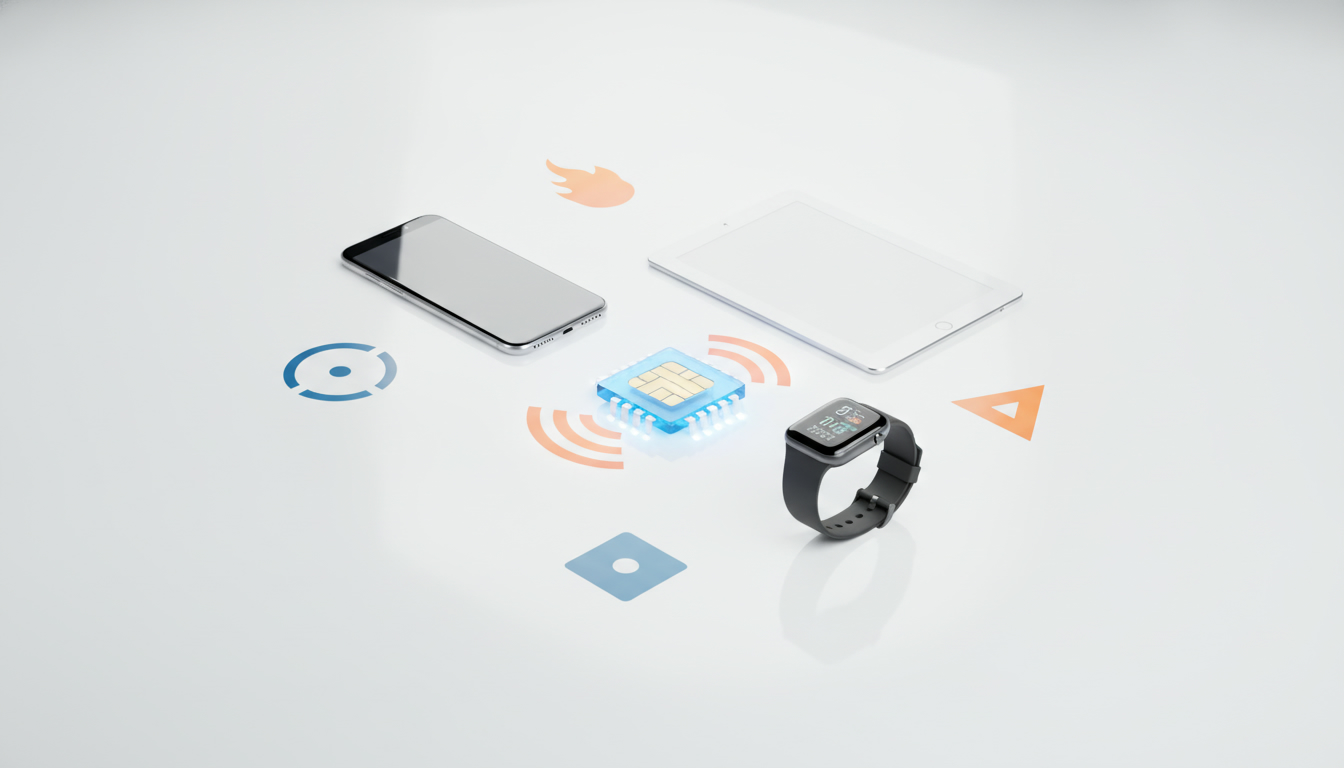
NRJ Mobile eSIM support should be checked at two levels: whether NRJ Mobile offers an eSIM for your line, and whether your phone can install one. A phone may be technically eSIM-ready while the operator still restricts eSIM issuance, replacement, or migration to specific plans or customer processes.
NRJ Mobile’s public help and offer pages should therefore be treated as the final authority for availability, activation, and any NRJ Mobile eSIM pricing.
| Device check | What it proves | What it does not prove |
|---|---|---|
| Phone has an EID | The device contains an eSIM module | NRJ Mobile will issue an eSIM for the line |
| Phone supports QR-code installation | A carrier profile can potentially be downloaded | The NRJ Mobile QR code will be accepted |
| Phone is unlocked | Another operator’s profile may be usable | The phone is compatible with NRJ Mobile |
| Phone supports dual SIM | Physical SIM and eSIM may work together | Both lines will work under every network condition |
| NRJ Mobile confirms the model | The operator accepts that device or range | Every regional variant has identical hardware |
Check the phone before requesting an NRJ Mobile eSIM
The fastest mistake to avoid is ordering an eSIM before confirming that the handset exposes an EID. The EID is the device identifier used for eSIM provisioning; it is different from the IMEI, which identifies the cellular hardware.
Open the phone’s settings and search for EID, Add eSIM, Add mobile plan, or Download a SIM instead. If none of those options exists, the handset is probably limited to a physical SIM, although menu names vary by manufacturer and software version.
iPhone compatibility is model- and region-dependent
Apple introduced eSIM support with the iPhone XS, iPhone XS Max, and iPhone XR. Apple’s later iPhone families generally include eSIM capability, but regional versions can differ.
Some iPhone models sold in mainland China, for example, use a different SIM configuration from models sold in the United States or Europe.
That distinction matters when buying a used phone. An iPhone XS with an EID is a different proposition from an imported variant without the same eSIM functions.
I always start by checking Settings > General > About for the EID, then checking whether Add eSIM appears under Settings > Cellular. The presence of the menu is a stronger practical signal than a retailer’s generic “dual SIM” label.
Android compatibility cannot be inferred from the brand
Google added eSIM support to the Pixel 3 generation, while Samsung’s compatible range includes selected Galaxy S20 models and later devices. Those names are useful reference points, not a guarantee for every handset sold under the same family name.
Storage size, country version, carrier firmware, and physical-SIM configuration can change the result.
On Android, check Settings > Network & internet > SIMs on a Google Pixel, or Settings > Connections > SIM manager on a Samsung Galaxy. A menu such as Add eSIM or Download SIM indicates that the modem and software expose eSIM functionality.
It still does not confirm NRJ Mobile acceptance.
What the NRJ Mobile eSIM activation requires
An eSIM is not a downloadable copy of a physical card. It is an operator profile written into a secure element in the phone.
The process normally depends on the operator generating a profile for the line and delivering an activation method, commonly a QR code.
The technical framework behind remote SIM provisioning is the GSMA Remote SIM Provisioning Specification SGP.22, designed for consumer devices. The related GSMA SGP.21 document describes the overall consumer remote-provisioning architecture.
These standards explain how a compatible phone can download a carrier profile; they do not force NRJ Mobile to support every compatible handset.
If NRJ Mobile provides an NRJ Mobile eSIM QR code, use it only when the phone has a stable internet connection. The QR code is not a universal code that can be copied between devices.
It is linked to the activation process for a particular line or subscription.
-
Confirm the handset’s EID and model.
The trap is checking only the brand name. A regional variant can lack eSIM hardware, and the consequence is that the QR code cannot be installed even though the model family appears on a compatibility list. Record the EID if NRJ Mobile requests it. -
Connect to Wi-Fi before scanning.
The phone must download the operator profile before the mobile line is active. If Wi-Fi drops during the download, the profile may remain pending and the user can mistake an incomplete installation for an incompatible phone. -
Scan the QR code from the phone’s cellular settings.
On iPhone, use Settings > Cellular > Add eSIM. On compatible Android phones, use the mobile-network settings and select the eSIM download option. The sign of a successful start is a new mobile plan appearing with a label, rather than merely a camera notification. -
Choose the eSIM as the line for calls and data.
With dual-SIM phones, the profile can install correctly while mobile data remains assigned to the old physical SIM. Check the default voice, messaging, and data-line settings before removing the physical card. -
Test registration, calls, and data separately.
A signal indicator alone is not enough. Place a call, send a text message, and load a webpage with Wi-Fi disabled. If data works but calls fail, the issue may be line configuration rather than QR-code installation.
I would not delete the old physical SIM until the NRJ Mobile eSIM has registered and passed those tests. Deleting a working profile or discarding the old card too early removes an easy fallback while the activation status is still unclear.
The technical limits that cause most failures
An unlocked phone is necessary but insufficient
A network-unlocked phone can accept profiles from different operators, but unlocking does not add eSIM hardware. Conversely, an eSIM-capable phone can still be restricted by operator policy, an unsupported plan, or a regional firmware limitation.
The operating system also matters. Apple and Google distribute eSIM functions through their device software, while the operator controls whether its profile is issued.
An outdated operating system can hide activation options or produce errors that disappear after an update, but updating cannot convert a physical-SIM-only model into an eSIM handset.
Dual-SIM behavior varies by device
Some phones permit one physical SIM and one eSIM to remain active, while others limit which combinations can receive calls or use mobile data. The modem may also allow only one data connection at a time.
If the old SIM and the NRJ Mobile eSIM are both enabled, select the intended data line manually and disable automatic data switching when you need predictable routing.
A smartwatch, tablet, or connected laptop is a separate compatibility question. The fact that an iPhone supports eSIM does not prove that NRJ Mobile will provision a watch or another connected device under the same account.
Switching from a physical SIM to an NRJ Mobile eSIM
Switching is not simply moving the plastic card’s contents into the phone. The operator must create or authorize a new eSIM profile and deactivate, replace, or leave the physical SIM according to its process.
Existing customers should check the customer account or contact NRJ Mobile before starting, particularly if the line is needed immediately.
Ask these specific questions:
- Is eSIM available for the existing plan, or only for new subscriptions?
- Is the replacement handled in the customer area, by customer service, or through a store?
- Does the old physical SIM stop working as soon as the QR code is issued?
- Can the same QR code be reused after deleting the profile?
- Is a replacement fee charged?
- Is the eSIM available for the exact phone model and country variant?
The QR-code lifecycle is a practical limitation. Some activation codes are single-use or become invalid after the profile is downloaded.
If you erase the eSIM during a phone reset, you may need a new code rather than another scan of the original message.
For travelers, an NRJ Mobile eSIM is also different from a travel-data eSIM. A travel provider’s profile may be intended only for data, while an NRJ Mobile line may include calls and texts under its own subscription conditions. I explain the difference between these profiles in my guide to using an eSIM promo code to reduce the cost of data abroad, but a travel code cannot activate an NRJ Mobile line.
What to verify on the day you activate
Before beginning NRJ Mobile eSIM setup, keep the phone charged, connect it to Wi-Fi, and make sure the device is not locked to another carrier. Keep the old SIM available until the new line completes a real test.
If the phone shows an EID, offers an eSIM menu, and matches NRJ Mobile’s confirmed compatibility information, the hardware side is promising. The remaining limits are operator-side: plan eligibility, customer identity checks, QR-code issuance, replacement rules, and whether NRJ Mobile supports eSIM migration for that specific account.
FAQ
Is NRJ Mobile eSIM available for every compatible phone?
No. A phone can support eSIM technology while NRJ Mobile limits availability by plan, account status, device model, or customer process. Check NRJ Mobile’s current help and offer pages for confirmation, because the operator decides whether it will issue, replace, or migrate an eSIM for your specific line.
How can I check whether my phone supports eSIM?
Open your cellular or mobile-network settings and look for an EID, Add eSIM, Add mobile plan, or Download SIM option. On iPhone, check Settings > General > About and Settings > Cellular. Android menus vary, but the presence of an eSIM option is a useful initial indicator.
Which iPhone and Android models commonly support NRJ Mobile eSIM?
iPhone XS, XS Max, XR, and newer families generally include eSIM capability, while selected Google Pixel 3 and Samsung Galaxy S20 models and later may support it. Compatibility still depends on country variant, firmware, and exact configuration, so verify the EID and NRJ Mobile’s accepted-model information.
How do you activate an NRJ Mobile eSIM with a QR code?
Connect the compatible phone to reliable Wi-Fi, open its cellular settings, and choose the option to add or download an eSIM. Scan the NRJ Mobile QR code, wait for the profile to install, then select it for calls and data. Test calls, texts, and mobile data before removing the physical SIM.
Can existing customers switch from a physical SIM to an eSIM?
Possibly, depending on NRJ Mobile’s rules for your plan and account. The operator may handle the change through your customer area, support team, or another approved process, and the old SIM may be deactivated during replacement. Confirm any fees, QR-code reuse limits, and migration timing before starting.

Daniel Park
Daniel is a travel-tech writer. At Promo Code eSIM he explains how to redeem eSIM promo codes and finds working codes for every major provider.